If you’re an EPF member, the correction process for your KYC details can now be completed entirely online. Be it your name, date of birth (DOB), or gender correction, it can all be done online through the Universal Account Number (UAN) Member Portal.
Here’s a step-by-step guide on how to update PF KYC online.
Update Your PF KYC Details Online in Five Simple Steps
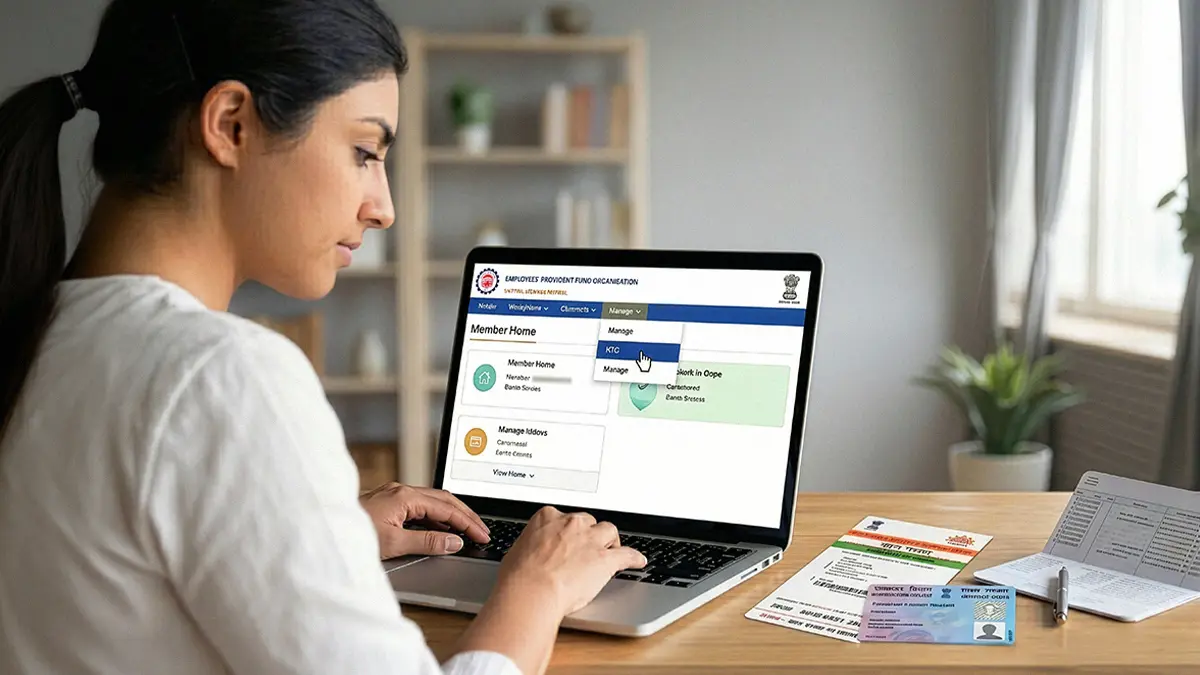
Changing your KYC details is now more straightforward than ever. Follow this five-step process to update your details smoothly through the UAN Member Portal on EPFO’s website:
- Log in to the Unified Member Portal: Log in using your UAN and password.
- Go to Modify Basic Details: Navigate to ‘Manage’ → ‘Modify Basic Details’.
- Enter Correct Details: Enter your correct name, DOB, and gender exactly as per your Aadhaar. The system will auto-verify it with the Unique Identification Authority of India (UIDAI).
- Submit the Request: Click ‘Update Details’. Your status will change to ‘Pending for Employer Approval’.
- Employer Approval: After this, your employer will have to log in and approve the request online.
Also Read: Understanding KYC: Definition, Types, and Significance
Why is Updating PF KYC Important?
Your PF records are cross-checked against your Aadhar details before processing your PF withdrawals. Online PF withdrawals are thus only possible if your KYC data, such as name, DOB, and gender, is fully verified.
Also Read: Withdrawing Your EPF in 2026? Here’s the Tax Impact You Should Know First
Tips to Ensure a Smooth PF KYC Correction Process
There are several things to note before you start your KYC correction that can help keep the process hassle-free. These include:
- Aadhaar linking: Make sure your Aadhaar is linked to your UAN before starting any correction request, as no updates will be processed without this verification.
- Keep documents ready: Have your Aadhaar, PAN, and bank passbook handy for quick uploads, reducing the chances of rejection or delays.
- Track your request: Regularly check the status of your application under ‘Manage’ → ‘KYC’ → ‘Digitally Approved KYC’ to stay updated on approvals or any required actions.
- Reach out for help: If you face any issues, contact the EPFO helpline at ‘1800 118 005’ or email ‘uanepf@epfindia.gov.in’ for assistance.
- Bank details correction: Bank account and IFSC changes can be done directly on the EPFO Member Portal under ‘Manage’ → ‘KYC’ without employer approval, provided your UAN is active and Aadhaar-linked. Name, DOB, and gender corrections would still require employer verification.
To Conclude
With the latest version of the correction process, updating PF KYC online is now easier than ever. Understand the tips in this blog and follow the steps to ensure your PF claim is accepted without hiccups.
FAQs
Can I update my PF KYC details without employer approval?
Not all of them, only certain details, like your bank account and IFSC code, can be updated without employer approval, given that your Aadhaar is linked and your UAN is active. Changes like name, DOB, or gender still require employer verification.
What happens if my PF KYC details don’t match my Aadhaar?
If there’s a mismatch, your request may be rejected during UIDAI verification. It’s important to ensure all details match your Aadhaar exactly to avoid delays.
Can I edit my PF KYC details again if my edit request is rejected?
Yes, you can resubmit a correction request after fixing the errors that caused the rejection. Make sure the updated details align with your Aadhaar and supporting documents before submitting again.
Is it mandatory to link PAN with my PF account?
While it is not required for making corrections, linking your PAN is important to avoid a 30% TDS on PF withdrawals if your service period is less than 5 years.
How can I check the status of my PF KYC update?
You can track your request under ‘Manage’ → ‘KYC’ → ‘Digitally Approved KYC’ on the UAN Member Portal to see whether it is pending, approved, or rejected.
Can I update multiple KYC details at once?
Yes, you can request corrections for multiple fields like name, DOB, and gender in a single submission, provided all details match your Aadhaar records.
What should I do if my employer does not approve my request?
If your employer is not approving your PF KYC update request, first contact your HR/employer, as they must digitally approve documents. If there is still no response, you can raise a complaint through the EPFO grievance portal, the EPF i-Grievance Management System (EPFiGMS).
Do I need to update KYC details for every new employer?
No, your KYC details are linked to your UAN, which remains the same across jobs.
We take utmost care to provide information based on internal data and reliable sources. However, this article and associated web pages provide generic information for reference purposes only. Readers must make an informed decision by reviewing the products offered and the terms and conditions. Loan disbursal is at the sole discretion of Poonawalla Fincorp.
*Terms and Conditions apply