A masked Aadhaar is an approved and secure version of your original Aadhaar card. It conceals the first eight digits of your Aadhaar number while displaying the remaining four digits for the purpose of identity verification. The masked Aadhaar assures the privacy of your personal details while still being a credible ID proof.
Currently, the UIDAI has approximately 134 Crore live Aadhaar holders. This blog explains the meaning of a masked Aadhaar, key uses, and steps to download it.
Masked Aadhaar Meaning
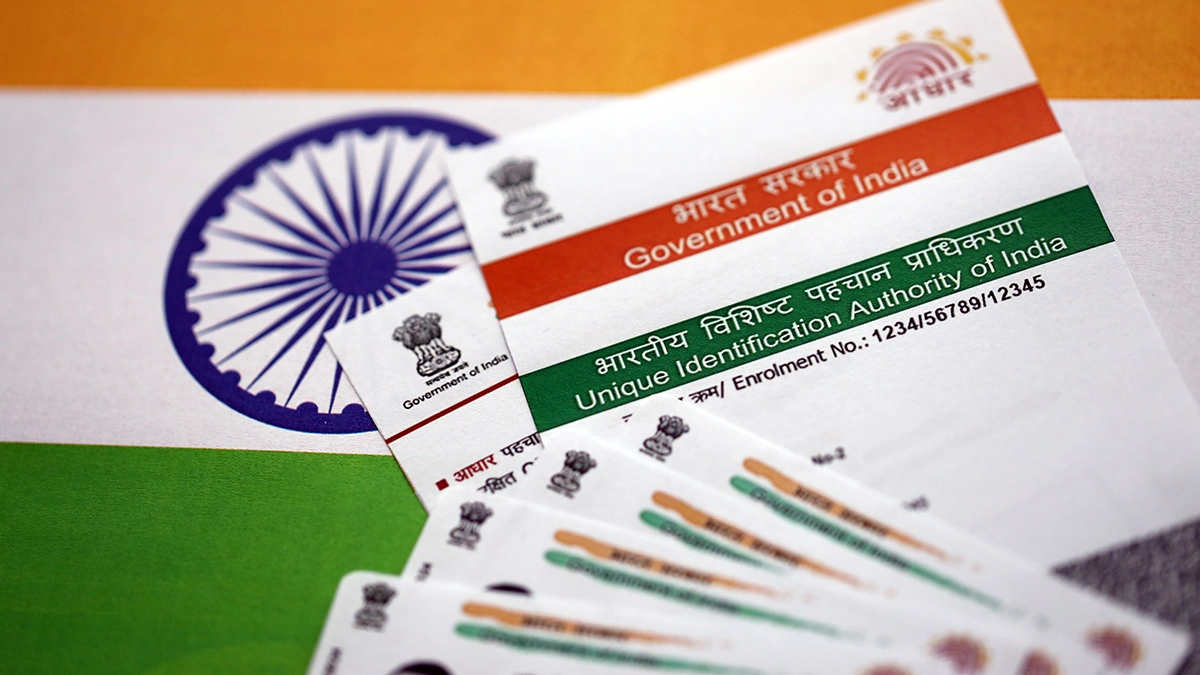
The masked Aadhaar is a safer version of the regular Aadhaar as it conceals the first eight digits of your Aadhaar number. Your Aadhaar number only shows the last four digits. For example, your Aadhaar number is 9876-5432-1010; the masked Aadhaar would be XXXX-XXXX-1010.
Your photograph, name, date of birth, and QR code in masked Aadhaar remain the same as on the regular Aadhaar. In most settings, the masked Aadhaar can serve as a valid identity proof for conducting private identity verification without showing your complete Aadhaar number for privacy concerns.
What is the Difference Between Regular and Masked Aadhaar?
The primary difference between a masked Aadhaar and a regular Aadhaar is the number of digits visible on the Aadhaar card. The following table summarises the differences between the two types of Aadhaar:
|
Feature |
Regular Aadhaar |
Masked Aadhaar |
|
Visible Aadhaar Number |
The entire 12-digit Aadhaar number appears. |
Only the last 4 digits of the Aadhaar number appear. |
|
Privacy |
Full access to your personal details. |
Most of your Aadhaar number is hidden. |
|
Risk |
Higher chances of your identity being misused for fraud or financial theft. |
Lower risk; only the final four digits are shown. |
|
Acceptance |
Used as a form of identification for any type of confirmation, government and non-governmental. |
Usually accepted for identification at non-governmental organisations, such as hotels and clubs. |
|
KYC Use |
Required for full KYC and e-KYC processes with banks and government bodies. |
Accepted for identity proof where a full Aadhaar number is not required. |
Why Use a Masked Aadhaar?
The Aadhaar card is one of the most important identification documents to use for KYC, banking, and governmental service purposes. Often, a full Aadhaar number is not necessary to establish your identity. Therefore, a masked Aadhaar can be used instead.
A masked Aadhaar card can be used in the following situations:
- At hotels, libraries, private organisations, and educational facilities.
- For providing personal identification documents to private sector/platforms or private agencies.
NOTE: Some government organisations and regulated financial institutions may still require your full Aadhaar number for verification purposes. Always check in advance how you are required to submit your identification.
Your masked Aadhaar cannot be used for e-KYC purposes or applications under government schemes where the full 12-digit Aadhaar number is required.
How to Download a Masked Aadhaar Card
A masked copy of your Aadhaar can be downloaded free of charge from the website https://uidai.gov.in or via the mAadhaar app. The process to obtain a masked Aadhaar is simple and only requires a few minutes.
How to Download Masked Aadhaar from the UIDAI Website
Follow these steps to download your masked Aadhaar from the UIDAI website:
- Go to https://uidai.gov.in and choose your preferred language.
- Choose 'Get Aadhaar' from the navigation menu and, from there, choose 'Download Aadhaar'.
- Select your identification method: your Aadhaar number, Virtual ID (VID) or Enrolment ID.
- Provide the 12-digit Aadhaar number and enter details in the captcha field.
- Click on 'Send OTP' to get an OTP to your registered mobile number linked to Aadhaar.
- On the download page, select the masked Aadhaar option: check the box that reads 'Do you want a masked Aadhaar?'.
- Enter the OTP received on your registered mobile number and click on 'Verify and Download'.
- The masked Aadhaar card is downloaded as a password-protected PDF file.
The password to open the PDF is the first four letters of your name in capitals, followed by your birth year. For example, if your name is Shyam and you were born in 1997, the password is SHYA1997.
How to Download Masked Aadhaar from the mAadhaar App
For those who wish to obtain their Masked Aadhaar through the mAadhaar app, follow these steps:
- Download and install the mAadhaar App from the Google Play Store or Apple App Store.
- Open the mAadhaar app on your mobile.
- Log in using your registered mobile number (Aadhaar-linked) and verify via OTP.
- From the home screen, go to your Aadhaar Profile.
- Select the option to Download Aadhaar (or Share Aadhaar, depending on the version).
- Choose the “Masked Aadhaar” option.
- Enter the OTP sent to your registered mobile number for verification.
- Tap Download, and your masked Aadhaar gets saved on your device.
Things to Keep in Mind When Using Masked Aadhaar
Before you use your masked Aadhaar as an identity proof, keep the following points in mind.
Check Acceptance Before Submission
Most private agencies accept a masked Aadhaar card as valid identity proof. In some cases, banks or government agencies require the full Aadhaar number. You need to check with the institution and ensure that they accept the masked Aadhaar card.
Do Not Share Publicly
Do not share your masked Aadhaar card publicly. Even though the Aadhaar number is partially hidden, it may still contain your personal information. Treat it with the same care as your regular Aadhaar card and avoid sharing it over the phone or through unsecured channels.
Keep Your PDF Password Secure
The masked Aadhaar PDF is password-protected, and you should store the password safely. Do not share it with anyone.
Read Also: How to Get the Password of e-Aadhaar?
To Conclude
Using a masked Aadhaar is one of the best ways to protect your identity information. It serves the same purpose as a regular Aadhaar card for identity verification and allows you to keep your full Aadhaar number concealed from view. You can download your masked Aadhaar from the UIDAI website or the mAadhaar app at no cost and safeguard your identity.
FAQs
What information is visible on a masked Aadhaar card?
Your masked Aadhaar displays your photograph, name, and date of birth (or year of birth), along with only the last 4 digits of your Aadhaar number. The first 8 digits are masked to protect your privacy.
How many times can I download a masked Aadhaar?
There is no limit on how many times you can download your masked Aadhaar. You can download it free from the UIDAI website or mAadhaar app.
What happens if my mobile number is not linked to Aadhaar?
If your mobile number is not linked to Aadhaar, you may not be able to receive an OTP and therefore cannot download Masked Aadhaar or use most online Aadhaar services.
Is a masked Aadhaar valid like a regular Aadhaar card?
Yes. A masked Aadhaar is a digitally signed document issued by UIDAI and is valid for the same purposes as a regular Aadhaar card wherever Aadhaar is accepted as proof of identity.
Is masked Aadhaar safe to share with service providers?
Yes, it is safer than a regular Aadhaar because most of the number is hidden. However, you should only share it with trusted and authorised organisations.
We take utmost care to provide information based on internal data and reliable sources. However, this article and associated web pages provide generic information for reference purposes only. Readers must make an informed decision by reviewing the products offered and the terms and conditions. Loan disbursal is at the sole discretion of Poonawalla Fincorp.
*Terms and Conditions apply